Unlock Your Gaming Potential: The Ultimate Guide to Game Pass Subscription Plans, Setup Tips, and Compatible Devices!

Microsoft is set to enhance the gaming landscape in India with the expansion of its Xbox Cloud Gaming service. This innovative platform allows gamers to stream and play a vast library of titles directly from the cloud, ensuring a seamless gameplay experience across various devices, including Xbox consoles, PCs, handheld devices, and mobile phones. As of November 11, India becomes the 29th nation to access this service, further expanding Microsoft’s global reach.
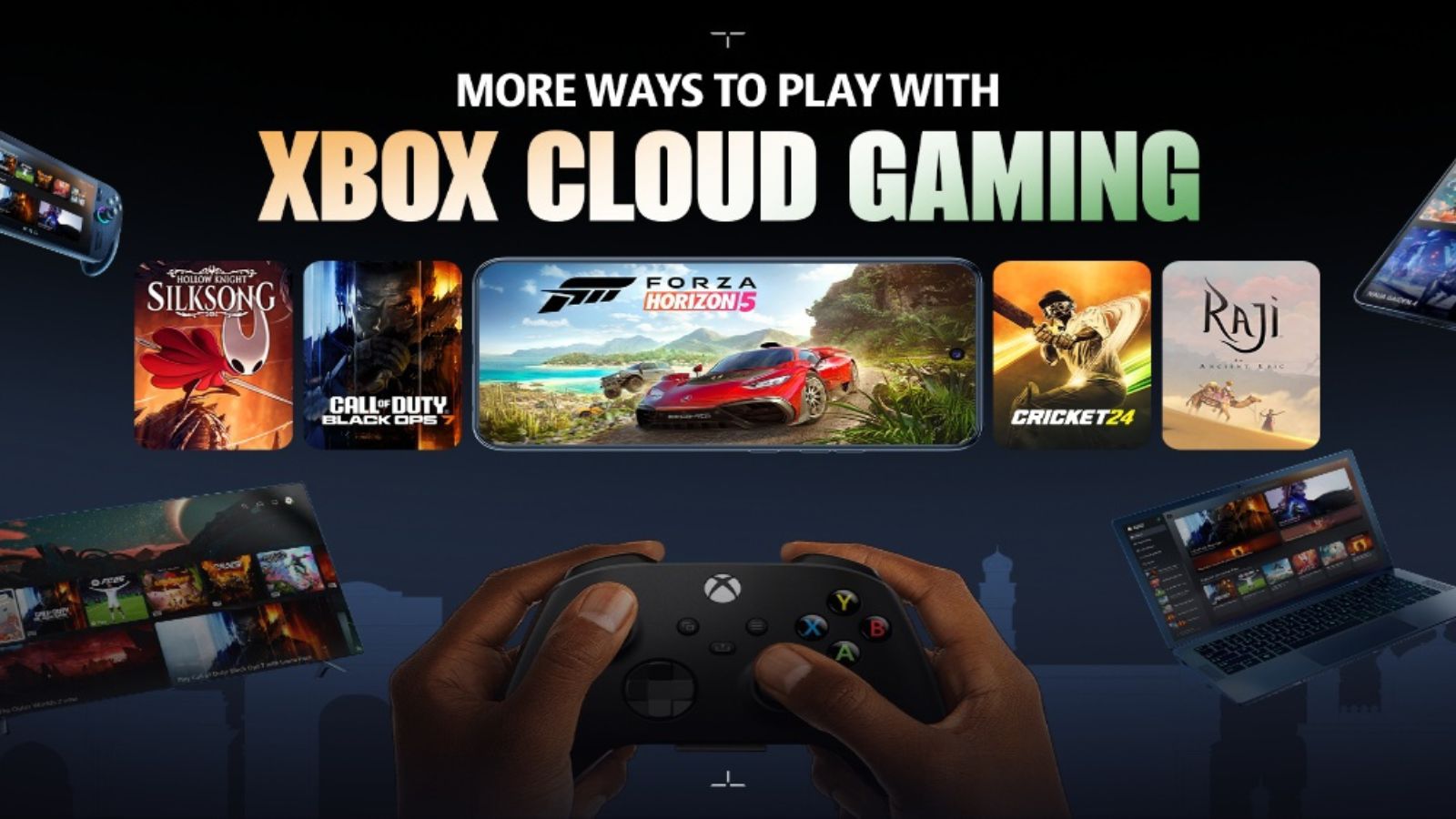
The Xbox Cloud Gaming service is compatible with select LG and Samsung Smart TVs, along with Amazon Fire TV Sticks and Fire TV Cube, according to a press release from Microsoft. Gamers will have access to popular titles such as Call of Duty: Black Ops 7, Hollow Knight: Silksong, Detective Dotson, The Palace on the Hill, and Raji: An Ancient Epic. To utilize these offerings, players must possess a compatible Bluetooth-enabled controller, a reliable high-speed internet connection, and an Xbox Game Pass subscription.
Microsoft emphasizes that Xbox Cloud Gaming offers additional benefits for players, including the ability to stream games they already own across supported devices. “Players can easily connect and play with friends worldwide or those sitting right next to them,” the company stated. Furthermore, dedicated support channels and in-app guidance are available, aimed at easing the onboarding process for new players.
Setting up Xbox Cloud Gaming is straightforward. Users can begin by accessing a supported browser-such as Microsoft Edge, Google Chrome, or Apple Safari-then navigate to https://xbox.com/play and sign in using their Xbox Game Pass account. Following this, they should connect a compatible controller. The Xbox Wireless Controller, Xbox Adaptive Controller, PlayStation DualSense, and DualShock 4 are all supported. It’s worth noting that while some games allow mouse and keyboard input on PCs, mobile titles may offer touch controls.
For those utilizing smart TVs, downloading and launching the Xbox app is necessary. Currently, select models of Samsung TVs, LG TVs, and Amazon Fire TV devices support Xbox Cloud Gaming, providing flexibility for a wider range of users.
The Xbox Game Pass subscription offers access to hundreds of games, with plans starting at ₹499. Subscribers can enjoy the versatility of playing on various devices, including Xbox consoles and PCs, alongside cloud gaming capabilities. Recent enhancements to the Game Pass include expanded libraries and exclusive in-game benefits across popular titles such as Call of Duty, Overwatch 2, and Riot Games titles.
As Xbox Cloud Gaming launches in India, it marks a significant milestone in the gaming industry, bringing Xbox’s rich catalog to a new audience. With its focus on delivering an accessible and engaging gaming experience, Microsoft aims to captivate both seasoned gamers and newcomers alike, fostering a vibrant community and a dynamic gaming ecosystem.
Categories: Gaming, Technology
Tags: Xbox, Cloud Gaming, India, Game Pass, Digital Gaming
Original Source: https://indianexpress.com/article/technology/gaming/microsoft-xbox-cloud-gaming-india-how-to-play-supported-devices-10360800/
Category :
Tags:
Publish Date: 2025-11-12 12:16:00