
Feeling overwhelmed or unproductive from prolonged social media use? You’re not alone. Just as experts suggest limiting screen time for children’s mental health, adults could also gain from dialing back their digital habits. While you may not be ready for a full digital detox—which could involve dramatically reducing your smartphone use or spending a week offline—small tweaks can introduce more balance into your daily routine. These simple strategies can aid in reducing screen time, keeping you connected on your terms, and help you focus on real-life interactions.
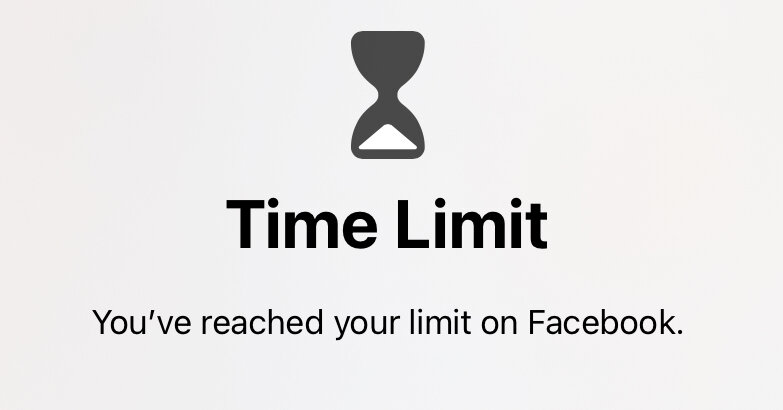
One practical method is setting limits. Social media offers valuable features like connecting with distant relatives or joining virtual communities. To enjoy these benefits without the drawbacks, consider leveraging your phone’s built-in controls. For iOS users, manage your notifications by navigating to Settings, then Notifications, and customize alerts for specific apps. Android users can adjust their notifications by accessing the Notifications menu via the Settings and focusing on App Notifications. Further manage your usage by utilizing screen time controls—iOS allows restrictions under Screen Time settings, and Android users can navigate Digital Wellbeing to set app-use limits.
Still checking your phone incessantly? It might be time to remove the temptation altogether by deleting apps. Not to worry, deleting a social media app doesn’t erase your account; it simply moves your interactions to other devices like laptops or tablets, which are less of a constant distraction. On an iPhone or iPad, hold the app’s icon, then select Remove and Delete App. For Android devices, open the Google Play Store, tap your profile, choose Manage Apps & Devices, and select Manage to uninstall. Some Android variations also let you drag an app icon to the Uninstall option.
Considering a more substantial break? Most platforms offer the option to temporarily deactivate your account, effectively hiding your profile until you’re ready to return. The process generally starts within your account settings; consult the platform’s support page for precise instructions. Bear in mind, some platforms like X and Snapchat automatically delete deactivated accounts after 30 days, while Facebook, Bluesky, YouTube, and TikTok allow indefinite reactivation periods. Note that deactivating Instagram could also affect your Threads account if linked.
For those considering quitting social media entirely, account deletion can be your next step. Unlike deactivation, this is a permanent choice. Access the delete option in the same settings area as deactivation. Before you go, you can usually download an archive of your activities. Most platforms, including TikTok and Facebook, offer a “Download your information” feature, but be prepared for a wait until your data is ready. As you wrap up, make sure to post any contact information if you wish to maintain connections beyond the platform.
Ultimately, whether you’re taking control of screen time through app limits, deactivating accounts, or making a permanent exit, the key is to reclaim your time and attention, aligning your digital habits with what benefits your well-being. By striking a balance, you can enjoy social media’s benefits while minimizing its drawbacks.
Original Source: https://www.nytimes.com/2025/03/12/technology/personaltech/how-to-spend-less-time-on-social-media-or-leave-it-altogether.html
Category : Mobile Applications,Social Media,Smartphones,iOS (Operating System),Android (Operating System),Computers and the Internet
Tags:
Publish Date: 2025-03-12 18:30:00